 Notabene3
Learn the notes on your instrument, by playing
Notabene3 listens to your instrument and shows the note you play on the staff, as you play it, or on a guitar or bass neck if you don't read music. Then it asks the questions: a note to find, a scale to play, an interval to hear, a tune to get through. You answer on your instrument, not with a mouse.
For Windows, macOS, and Linux. No account, no subscription.
Don't read music? Learn the fretboard instead
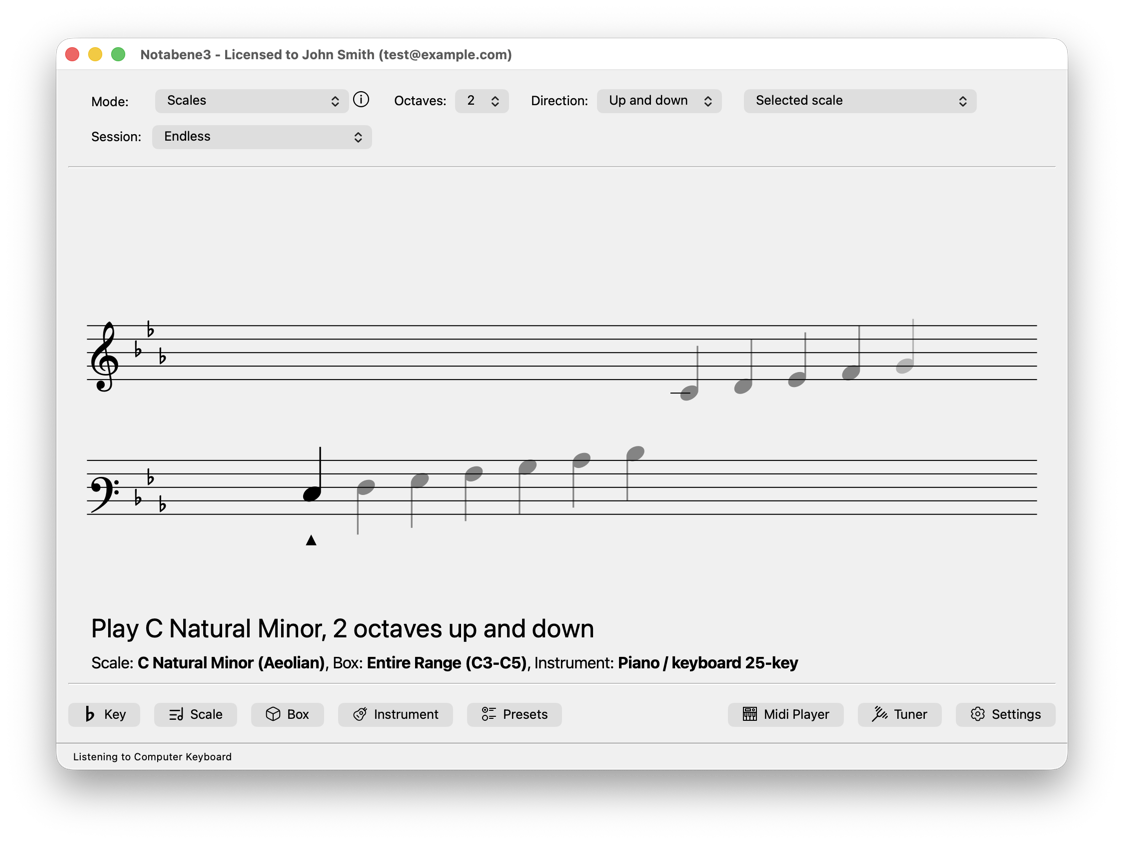
You don't need to read a note of sheet music to use Notabene3. Plenty of guitarists and bassists play by ear, by tab or by shape, and just want to know where the notes are on the neck. Turn on fretboard view and the staff makes way for a fretboard:
- Each question names the note and where to find it: "Play E♭ on the A string".
- What you play lights up on the neck, with your box shaded, so you can see where you are.
- Turn on Show Scale to see the scale's notes in your box, by name or by degree, with the root ringed, while you learn the shape.
- Play a wrong note and it tells you what it was, and by how much you missed: "That was D: one fret too low".
- Once you know your way around, stop it naming the string, and find the note yourself.
Start with Step by step, which adds one note at a time, or Note hunt: "Find every E" in your box, or across the whole neck. Fretboard view is in the free version too, and you can switch to the staff whenever you're ready to start reading.
What it does
Hears what you play
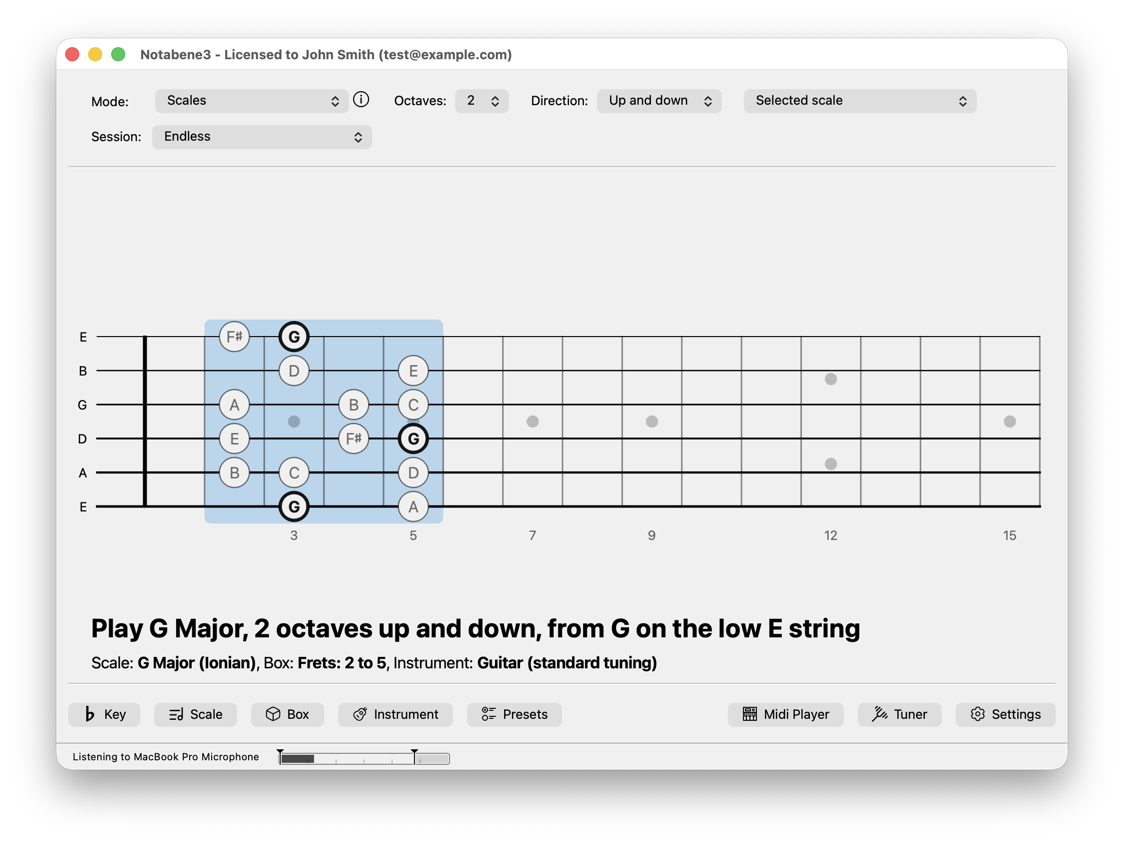
Plug your guitar, bass or violin into an audio interface, or play near your computer's microphone. It works with your voice too: sing into the microphone. Notabene3 picks out the note and draws it on the staff, spelt correctly for the key you're in: F♯ in D major, G♭ in D♭.
Or plug in a keyboard
A USB MIDI keyboard works too, with every note recognised instantly. Treble, bass and grand staff are all supported.
Practise in a box
Questions come from a box: a range of notes you choose, such as one position on the guitar neck. Start small, then widen it as the notes become second nature.
Every key, many scales
Pick a key from the circle of fifths and a scale: major, the minors, pentatonics, blues, the modes and more. Questions stay in the key, with its key signature on the staff.
A tuner built in
Check your tuning before you start, without reaching for another app.
Your own instruments
Bass, violin, keyboards of every size and standard guitar come built in, and even voice: soprano, alto, tenor, baritone and bass. Add your own tunings too: drop D, open G, a five-string bass.
Ways to practise
Random notes
A note appears on the staff (or by name, in fretboard view), and you play it. The quickest way to learn where the notes are on your instrument.
Step by step
New to a scale? Start with just three of its notes, and add one more each time you've got them. Level by level, until you know them all.
Ear training
Hear a note, find it on your instrument. It's revealed on the staff once you get it.
Echo
Hear a short phrase and play it back. Each time you get it, it grows by a note.
Intervals
Play a major 3rd above C, or hear two notes and find the second by ear.
Key signatures
A key signature appears on the staff: play the tonic of its major key, or of its relative minor.
Scales
Play the scale through, one or two octaves, up and back down again if you like.
Chords
"Play Em (vi): E G B". Learn the triads and seventh chords of each key, note by note, in any inversion, or through progressions such as ii–V–I.
Note hunt
"Find every E". Track down a note in every octave, across the whole instrument.
Melodies
Play a tune through, reading as you go. A handful are built in, and you can add your own in ABC notation, such as the thousands of folk tunes on thesession.org.
Want a challenge? Play a scored set of questions, against the clock, or go for sudden death: one wrong note and it's over. Your best scores are kept for each key, scale and instrument, so there's always something to beat.
Try it for free, for as long as you like
The free version has no time limit. It includes random notes and step by step practice in the major, natural minor and pentatonic scales, the tuner, and the MIDI player. A licence unlocks the rest, once, for good, with free updates. See what a licence adds.